Canadian owned and operated
The Miller 281262 Label Nameplate is an essential replacement component for owners of Miller 20 Series Wire Feeders. Over time, the harsh conditions of a welding shop—flying sparks, grinding dust, oil, and constant handling—can render control panel labels illegible. This specific nameplate is designed for the upper portion of the feeder and corresponds to models featuring optional configurations. Keeping your equipment clearly labeled is a critical aspect of shop maintenance that directly impacts productivity and safety.
Welding requires precision. The difference between a sound structural weld and a defect can often come down to minor adjustments in wire speed or voltage. If the reference scales on your wire feeder are worn away or obscured by grime, operators are forced to rely on "feel" rather than accurate settings. This can lead to inconsistent results across different shifts or operators. Replacing a damaged faceplate with the Miller 281262 ensures that all control indicators are sharp, legible, and accurate, facilitating quick setup and repeatable results.
Miller Electric is known for building tough equipment, and their replacement parts are no exception. This nameplate is not a standard sticker; it is an industrial-grade graphic overlay designed to survive in a metalworking environment. It features:
Refurbishing your Miller 20 Series Feeder extends the life of your investment. Whether you are performing routine maintenance or bringing an old feeder back into service, using OEM parts like the 281262 Nameplate guarantees a perfect fit. The cutouts and text alignment will match your machine's layout exactly, avoiding the frustration of trimming or misalignment common with aftermarket solutions. Keep your shop professional and your machines running at peak performance with genuine Miller replacement parts.
| Additional Information |
|---|
| Brand:Miller |
| Packaging Description:1 Per Ea |
| Compatible Series:Miller 20 Series Wire Feeders |
| Part Type:Label / Nameplate |
| Location:Upper Feeder Assembly |
| Configuration:With Options (W/Opt) |
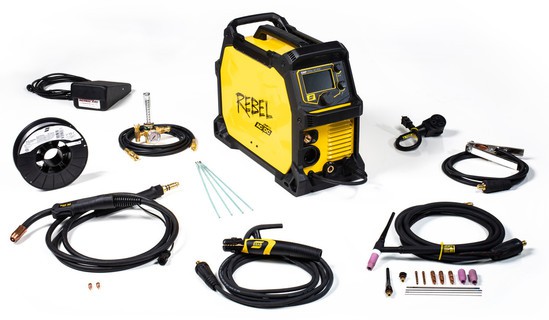
 $350 Rebate
 $350 Rebate